Documentation
Annotations
Leave counsel notes on exact text spans — and keep them attached as bills amend.
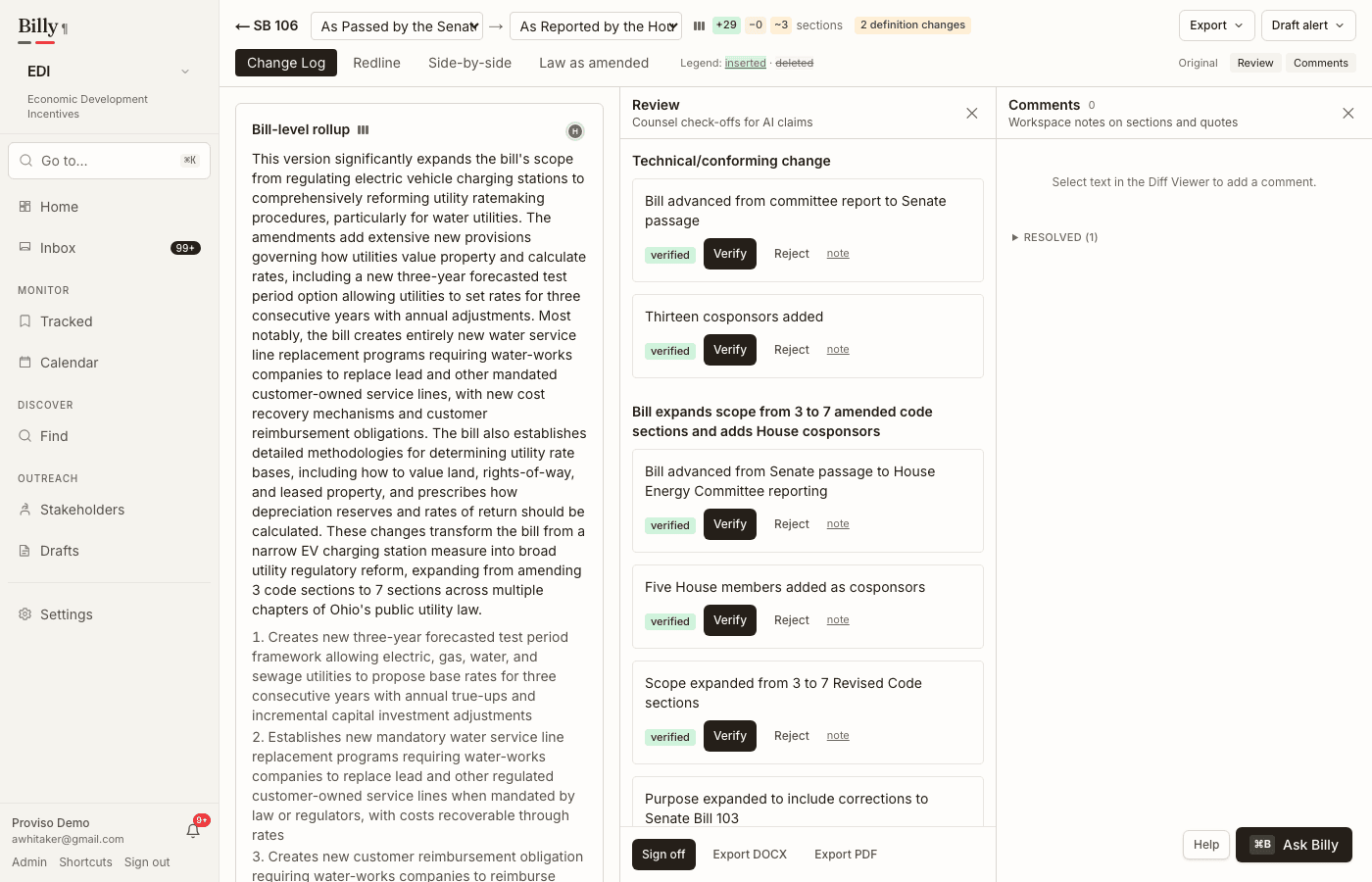
Create a note
In the Diff Viewer (or bill text views that support selection), select a span and add a comment. Notes are workspace-scoped and can thread as replies. The same evidence resolve path can highlight an annotation’s anchor on the original PDF.
How anchoring works
Each annotation stores an anchor: the exact selected text plus prefix/suffix context and offsets within the provision path. That structure is what makes re-attachment possible when the next engrossed or enrolled version arrives.
Re-anchoring across versions
- Exact quote search in the new version’s canonical text.
- Fuzzy fallback using prefix/suffix context and a Levenshtein window when the quote moved or was lightly edited.
- If both fail, the note is marked orphaned.
Orphaned notes
- Orphans appear in an Unanchored notes tray on the bill so nothing silently disappears.
- Re-read the surrounding Redline mode markup, then re-select and re-anchor, or keep the orphan as historical discussion context.