Documentation
Getting started
From first sign-in to a workspace that already has bills to review.
Sign in
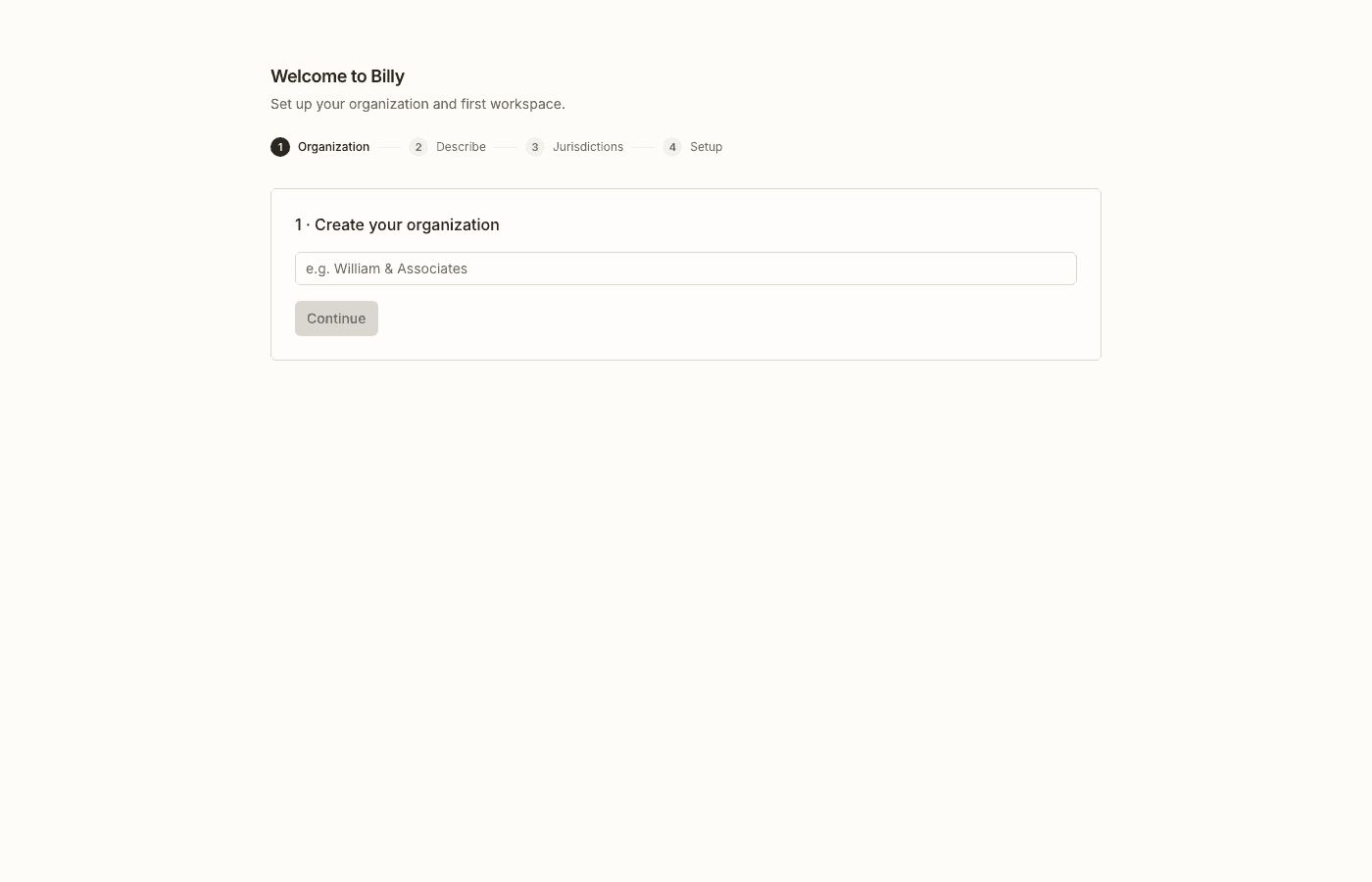
Open Billy and sign in with a magic link or Google. After auth, Billy routes you to your existing workspace, the waitlist (if your account is still gated), or onboarding if you need an organization.
Organization and first workspace
An organization is the billing and membership boundary. A workspace is where matching lives — intent, keywords, citations, jurisdictions, tracked bills, watches, and annotations.
- Name your organization (for example, your firm or practice group).
- On first workspace creation, describe what you care about in plain language — Billy proposes a name later, once intent and jurisdictions are known.
- Continue through the guided arc (Describe → Jurisdictions → Collaborative setup) or skip straight to workspace Settings if you already know your scope.
The onboarding wizard
The wizard is short on purpose. Steps are: organization (first time only) → Describe → Jurisdictions → Collaborative setup → open the workspace. Navigation never waits on a full LLM profile or corpus backfill.
- Describe. Write in plain language what outcomes, statutes, or policy themes matter. As you type, Billy floats live keyword chips you can keep or dismiss. Primary action: Let Billy guide you. Power users can Skip to settings from here.
- Jurisdictions. Select the states (and federal) you care about on the map — empty is not allowed; free plans cap at two. Continue saves scope and starts jurisdiction-scoped matching work without blocking the next screen.
- Collaborative setup. One living page: Billy proposes a workspace name, then keywords, statute citations, and a match brief stream in as sections become ready. Bill suggestions appear as backfill lands. Edit freely — the model is a draft, not a lock-in. When you are ready, Open workspace.
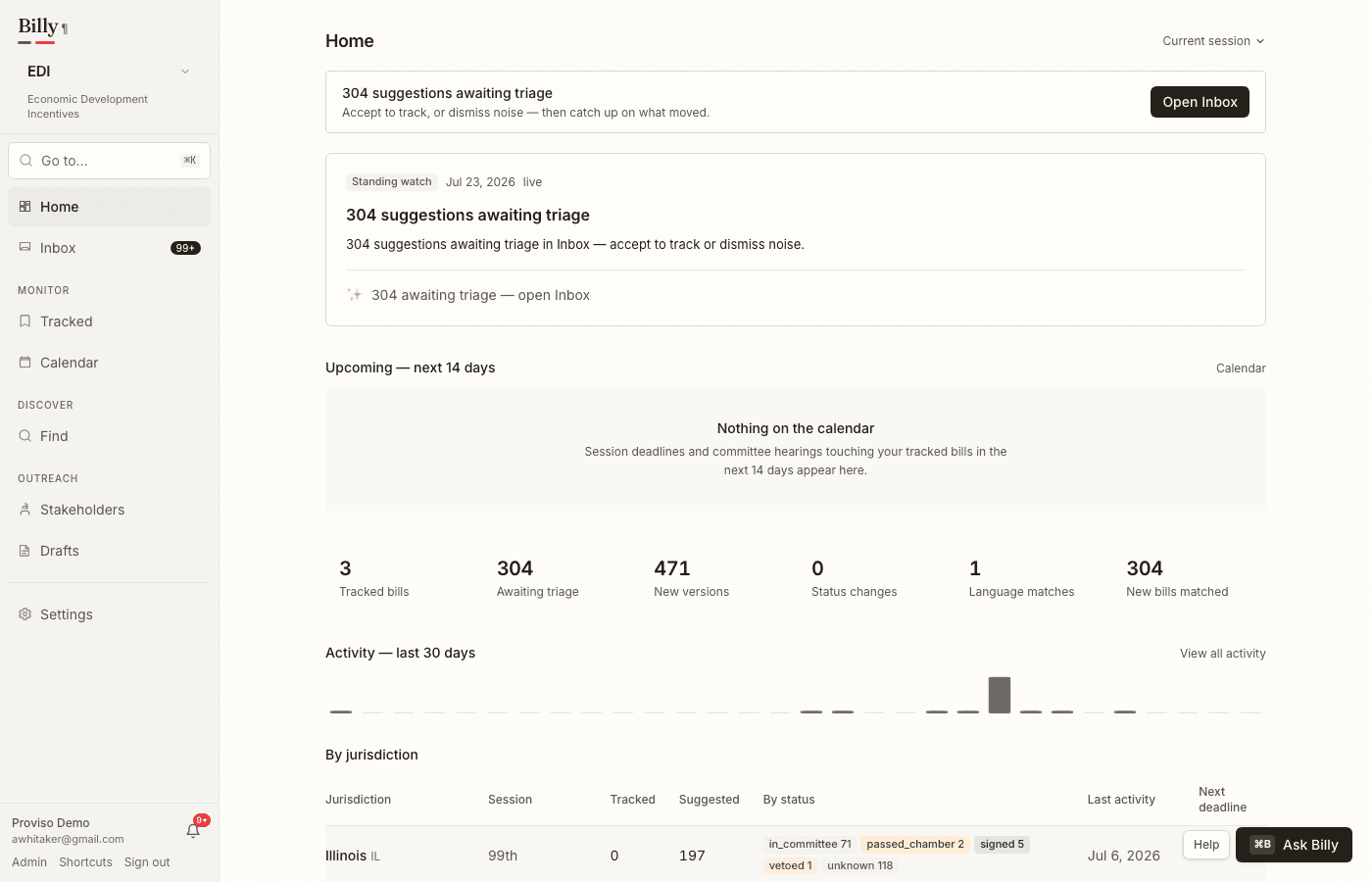
The magic moment: suggestions while you finish
After you confirm jurisdictions, Billy enqueues a backfill match against current session data for your selected scope. Bill suggestions stream into Collaborative setup as they land— you can preview them before you open the workspace, then triage ongoing matches under Find → Suggestions (Inbox).
Where to go next
- Refine matching in Workspaces & matching.
- Open a multi-version bill and learn Reading a diff.
- Ship client-ready packets from Exports & drafts.
- See overnight briefs, Drafts, and action chains under Agentic assists.
- Set digest and Slack preferences under Notifications.