Documentation
Stakeholders & outreach
Positions are decisions; stakeholders are the people behind them. Keep both in the same place as the text.
Contacts and organizations
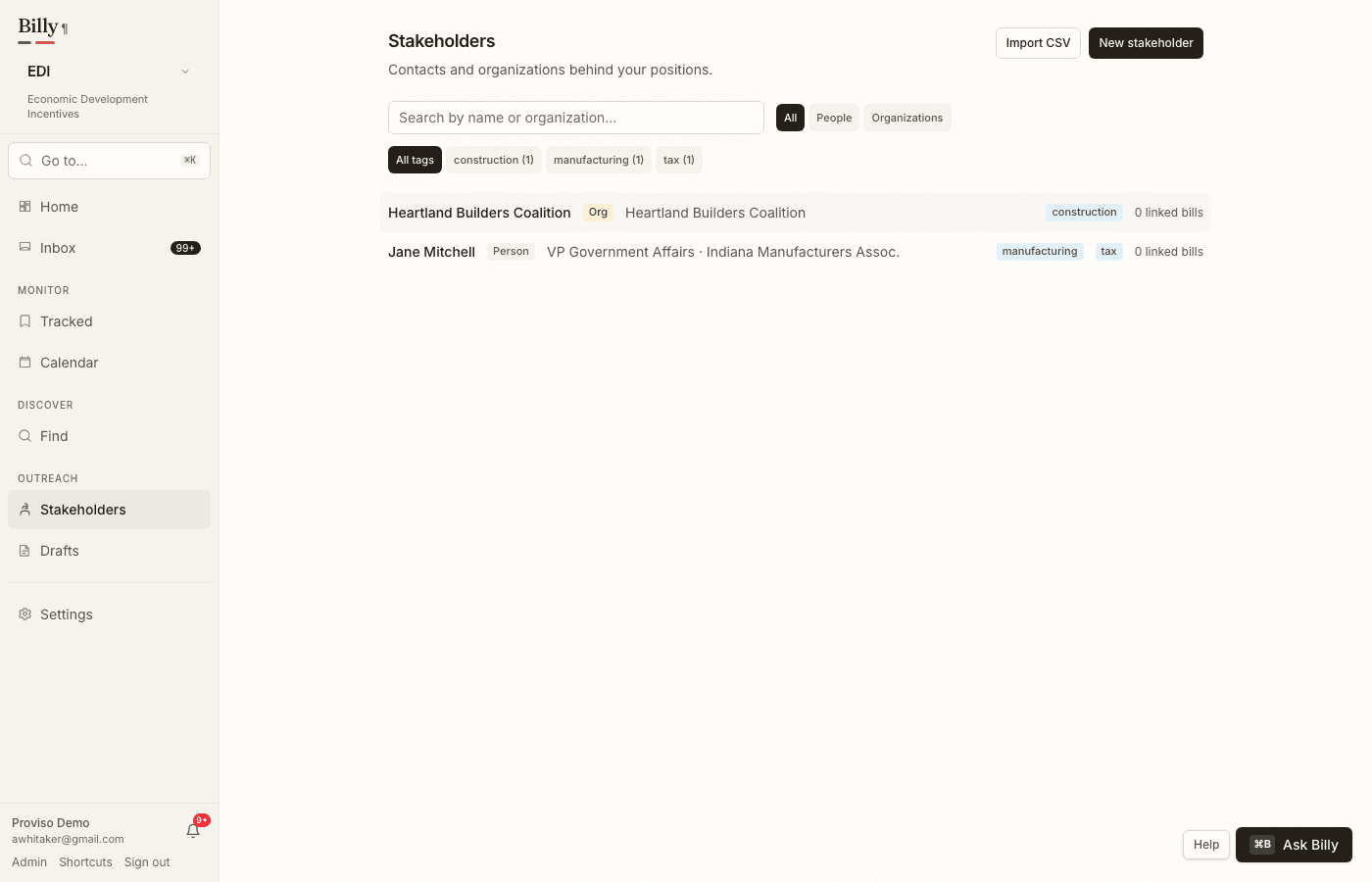
The Stakeholders section is a lightweight, workspace- private contact book: people and organizations with titles, contact details, free-form tags, and notes. Link a stakeholder to the bills they care about and record their position — support, oppose, monitor, or seek amendment — beside your own.
- Import from CSV — bring an existing contact list in one step (columns: name, kind, organization, title, email, phone, tags, notes). Re-importing an updated file skips contacts already present.
- Bill pages show the stakeholders linked to that bill, with their positions, right beside yours.
- Outreach log— every call, email, letter, meeting, or testimony you record stays on the stakeholder’s page, so the history survives staff turnover.
Alignment scorecards
Legislator pages show how each member’s sponsorships line up with your workspace’s positions — supported bills they carry versus opposed ones, with the sample size always visible so a one-bill record never reads like a twenty-bill one. The same score appears as a badge in the legislators list under Find.
Grounded outreach drafting
From a stakeholder, legislator, or bill page, open the outreach composer to draft an email, a formal letter, or talking points about a specific bill. The draft is grounded the same way Billy’s summaries are:
- Every factual claim draws on the bill’s change summaries, and the quotes the draft relied on are listed beneath it, verbatim.
- If the recipient sponsors the bill, the draft acknowledges it accurately — lead author and cosponsor are not the same sentence.
- Set the tone, add a specific ask (used word-for-word as the call to action), then edit freely. Copy it, save it to the outreach log, or download it as a formal Word letter.